
Key Takeaways
- A sudden jump usually comes from a new or heavier load, EV charging, heating and cooling, standby power, or a rate or billing change.
- Compare the same month from last year and check the number of days billed before you blame an appliance.
- A home energy monitor can show which circuit's use rose in the same weeks as your bill.
- Standby power from devices that look off can be cut with a power strip or a smart plug.
- A rate change or a longer billing period can raise a bill even when your use stays the same.
A bill jumps when something in your home starts using more power, or when your rate or billing period changes. The most direct way to find the cause is circuit-level monitoring, which shows how much power each circuit uses over time and lets you compare it with earlier months.
Common causes of a sudden jump
A bill usually jumps for one of five reasons. You may have added an appliance, or an older one may be running more than it used to. An EV charger runs for hours at a time, so home charging can add noticeably to the bill. Heating and cooling work harder in extreme weather. Devices that look off can still draw power on standby. Finally, your utility may have changed its rate, or your bill may cover more days than usual.
How to find the culprit
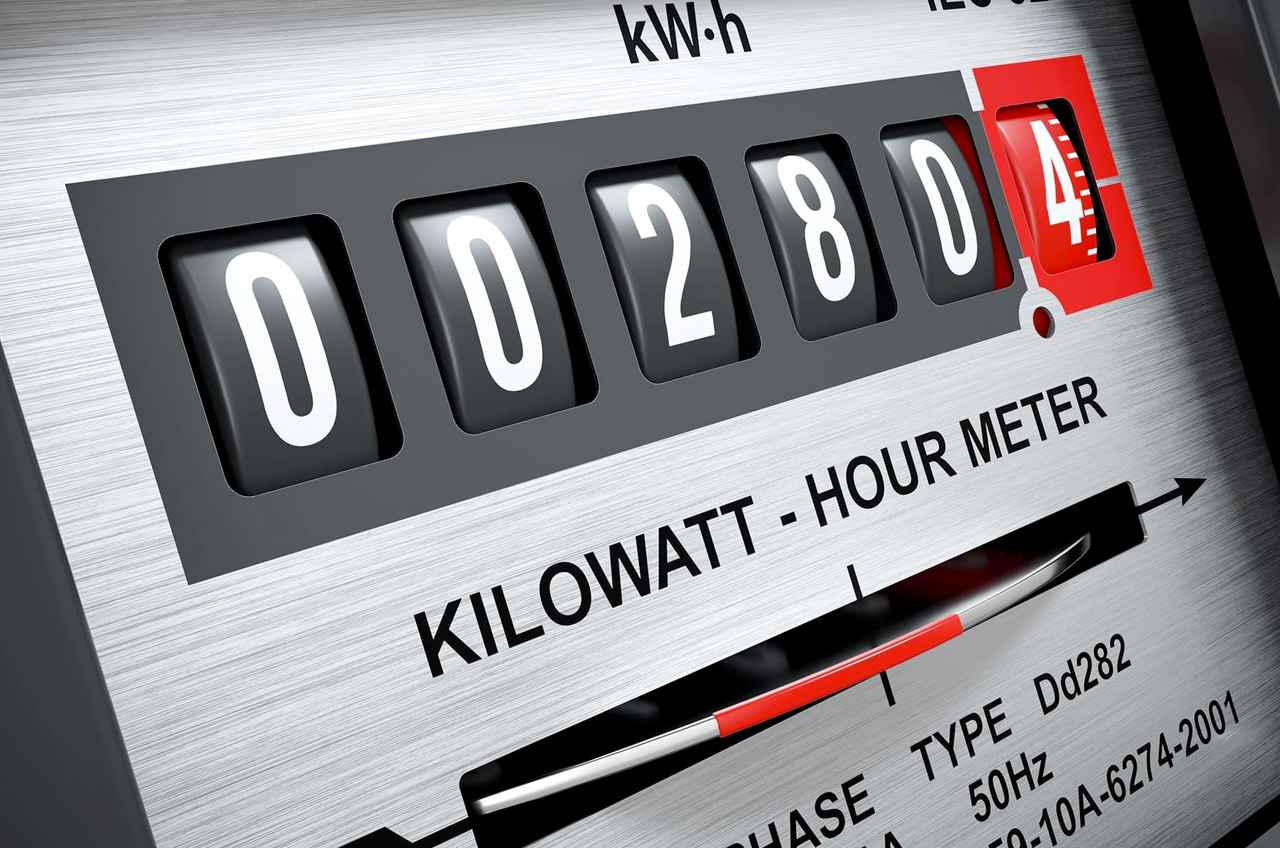
Start with the bill itself. Check the number of days in the billing period, your rate if the bill lists one, and your total kilowatt-hours (kWh) used. A kilowatt-hour is the unit your utility bills you for. For help reading the rest of the bill, see how to understand your utility bill. Then compare the same month from last year, since the weather is often similar. If the number of days or the rate changed, that explains part of the jump before you look at any appliance.
If the days and the rate look normal, the extra use came from your home. Check circuits or appliances one at a time. Turn one thing on or off, watch the usage change, and then move to the next. A circuit can power several appliances, so checks on single devices give you the most exact answer.
A worked example with a home energy monitor
A home energy monitor speeds up that search. It reads the power used on each circuit and shows the readings in an app. The Emporia Vue 3 Home Energy Monitor is one way to do this. It monitors every circuit in your electrical panel and shows solar production, home use, EV charging, and battery storage in one app. It’s available with standard or flexible sensors.
Say your bill jumped this month. Open the app and compare the same weeks from last month. If the circuit that feeds your EV charger rose in the same weeks as your bill, that circuit is a likely cause. Confirm it by pausing the charger and watching whether the reading drops.
A circuit reading covers everything on that circuit, so it may not isolate one device. For a single appliance, Emporia Smart Plugs report how much power that device uses. You can also view the Vue 3 in the Emporia shop.
What to do about each cause
Heating and cooling
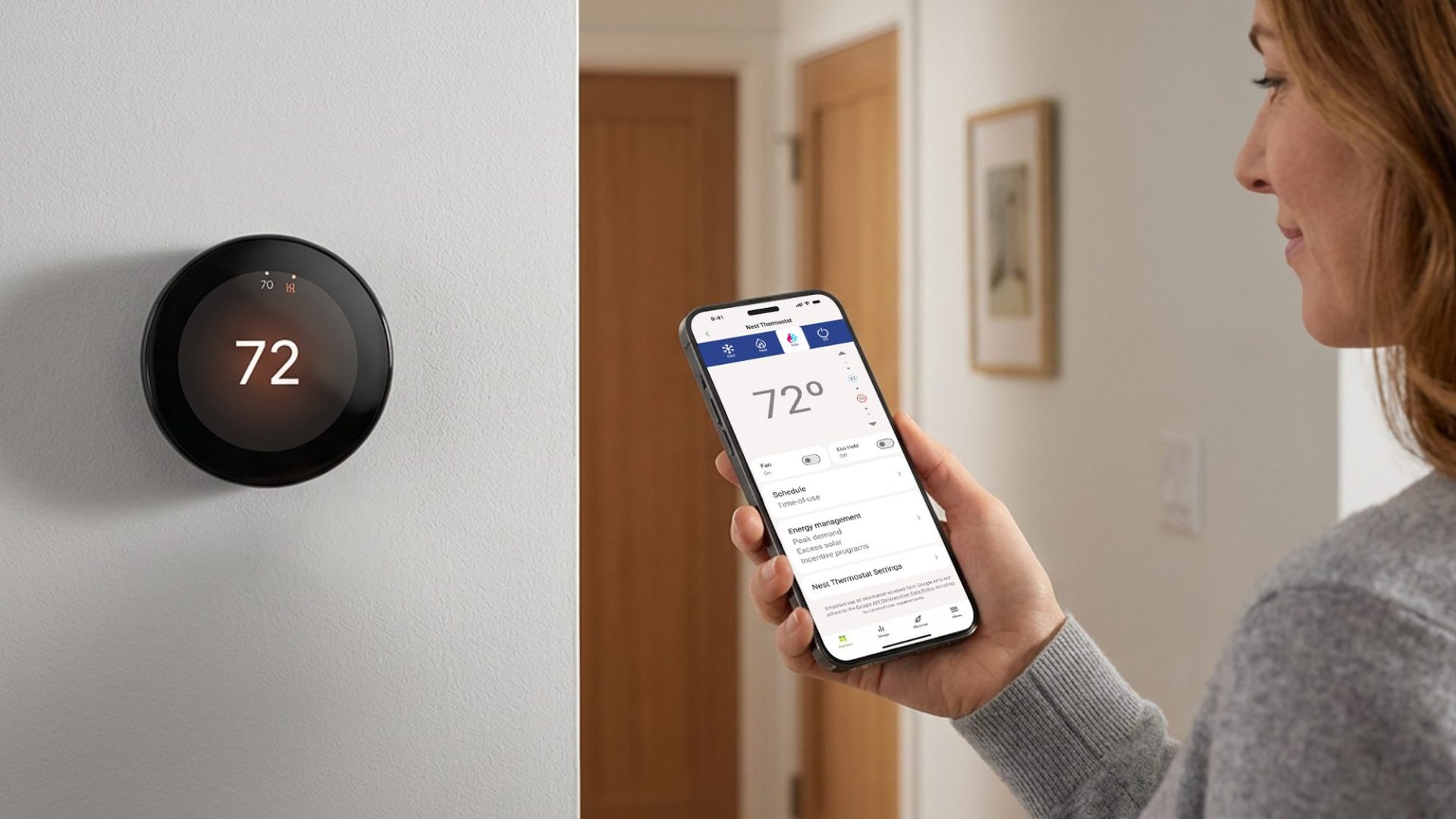
Clogged or dirty filters make heating and cooling work harder. Change or clean them on schedule, seal drafts around doors and windows, and have the system serviced once a year. A programmable or smart thermostat can ease the load while you’re away.
EV charging
A charger uses power only while it’s charging, so the fix is timing and limits. Set a charge limit that matches how far you drive each day. If your utility’s rates are lower at certain hours, a charging schedule can move your sessions into those hours.
Standby loads (vampire loads)
Electronics that are turned off but still plugged in can keep drawing power. Plug these devices into a power strip that you switch off at night, or use a smart plug to cut power on a schedule. More devices are covered in avoiding vampire loads.
Refrigerators and freezers
Refrigerators and freezers run all day and night. An old unit, a worn door seal, or dusty coils make the motor work harder. Clean the coils, check the door seal with a sheet of paper, and consider an efficient model when it’s time to replace one.
Water heaters
Tank water heaters keep a full tank hot all day. Lower the thermostat if it’s set high, insulate the tank and the first few feet of pipe, and look at a more efficient model when the old one reaches the end of its life.
Laundry
Dryers and hot-water washes use a lot of energy. Wash in cold water when you can, air-dry when the weather allows, and clean the dryer’s lint filter after each load.
Kitchen appliances
Ovens and cooktops draw a lot of power while they heat. For small meals, try a microwave or toaster oven instead. Keep the oven door closed while baking, and put lids on pots to heat food faster.
Electronics and home offices
TVs, computers, monitors, and printers add up, especially when they stay on overnight. Turn on sleep mode, switch off the power strip at night, and choose efficient models when you replace them.
Lighting
Switch burned-out bulbs to LEDs, and turn lights off in rooms you’re not using.
Rate changes and billing periods
A new rate or a longer billing period raises your bill even when you use the same amount of power. Check the rate and the days covered on your bill. Your utility can tell you when a rate changed. You can’t change either one from home. Check them first so you know whether they explain the jump.
Find out where your electricity is actually going.
The Vue monitors every circuit in your panel and shows exactly what's using energy and what it costs. Average customer saves 10% or more monthly.